


Review · Car · 1 model
Garmin Dash Cam Mini 3 review: the camera you cannot see from outside, and the evidence it leaves out
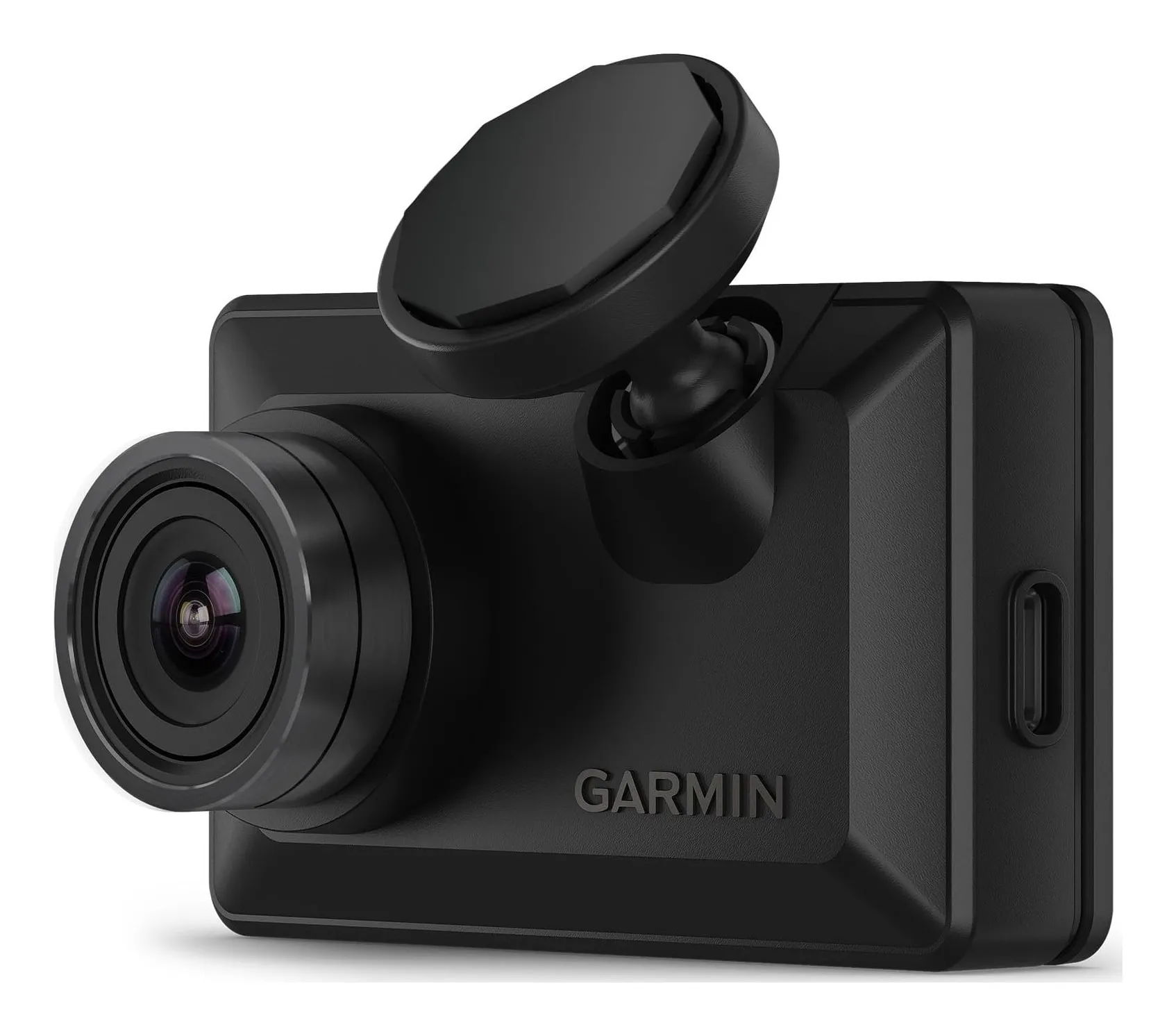
Garmin's smallest dash cam: 1080p at 30 frames with Clarity HDR through a 140-degree lens with a polariser built in, voice control, incident detection and Wi-Fi to the phone, in a body that hides behind the mirror. No screen, no GPS. This review is about what the size buys, what missing GPS means for a claim, how the supercapacitor copes with a hot windscreen, and what parking cover costs.
Verdict
What it is
the dash cam reviewed
Garmin Dash Cam Mini 3
- Front resolution
- 1080p
- Field of view
- 140°
- Screen
- None
- GPS
- None
- Parking mode
- Parking Guard with constant power cable, Wi-Fi and Vault subscription
- Rear camera
- None; a second Mini can be paired as rear
Check price
A front dash cam recording 1080p at 30 frames with Garmin Clarity HDR through a 140-degree lens with a built-in polariser. It has no screen and no GPS, so clips are stamped with date and time only. Voice control, incident detection, Wi-Fi to the Garmin Drive app, microSD from 8 to 512 GB, a supercapacitor, and an operating range of −20 to 60 °C. Retailers give 5.2 by 3.2 by 2.0 centimetres, a figure we mark for checking, and the listing gives 30 grams. From Garmin’s product page and owner’s manual.
Strengths
- Invisible from outside the car
- Polariser and HDR at 1080p
- Garmin publishes the figures and the manual
Limitations
- No GPS, so no speed or location on the footage
- Parking Guard needs a paid Vault subscription
- No screen: everything through the phone
Good for
- a driver who wants nothing on show and nothing to touch
Look elsewhere if
- anyone who wants location evidence or a rear camera in the box
The size
Small enough to sit behind the rear-view mirror and disappear from the driver’s seat and from outside the car. That matters for two reasons: a visible camera on a parked car is a reason to break a window, and a camera you cannot see does not distract you. It is also why there is no screen.
No screen
Changing settings and getting clips onto the phone happen in the Garmin Drive app over Wi-Fi. Once fitted it needs nothing: it starts with the ignition and records. For a driver who wants to fit it and forget it, the lack of a screen is the feature.
No GPS
The Mini 3 records date and time but not where or how fast. A clip of a car pulling out on you shows what happened; it does not show the road name or your speed. Most of the time the picture is what counts. If you drive for work, or want the speed on record, the X110 is the Garmin with GPS and Galileo.
The picture
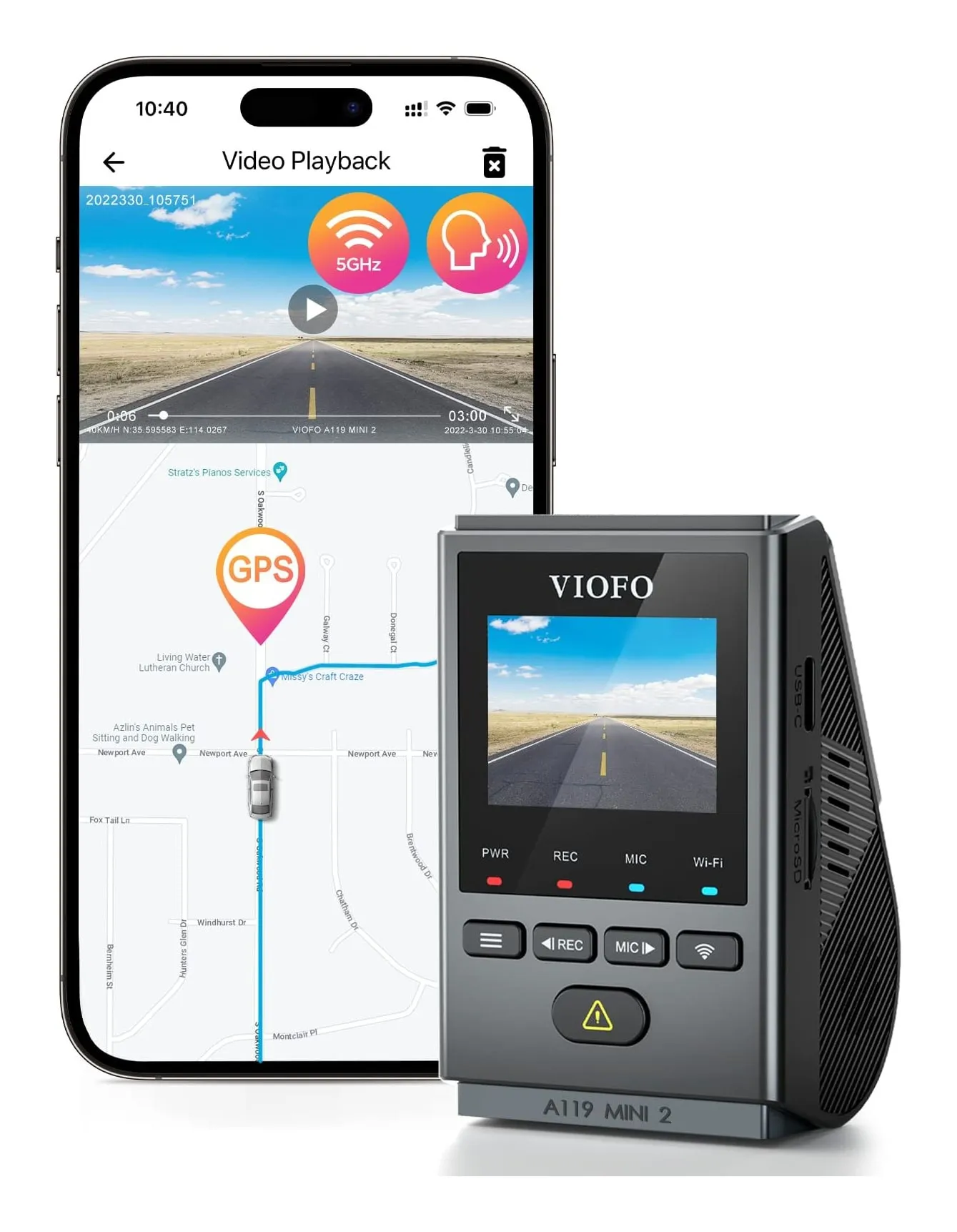
1080p at 30 frames with HDR, which helps with headlights and low sun, and a built-in polariser that cuts dashboard reflections on the glass. 1080p is the floor for a modern dash cam; the Viofo A119 Mini 2 records 1440p at 60 but is a bigger box with a screen.
Voice, incidents and parking
Say the command and it saves the clip, which keeps your hands on the wheel. Incident detection saves a clip automatically when it senses a knock. Parking Guard, which watches the car while parked and alerts you, needs Garmin’s constant power cable wired to the fuse box, a Wi-Fi connection and a paid Vault subscription.
Heat
A supercapacitor instead of a battery, rated from −20 to 60 °C. A windscreen in a July car park is the hardest place a camera lives, and this is the right part for it.
Strengths
- Invisible from outside the car
- Polariser and HDR at 1080p
- Garmin publishes the figures and the manual
Limitations
- No GPS, so no speed or location on the footage
- Parking Guard needs a paid Vault subscription
- No screen: everything through the phone
Good for
- a driver who wants nothing on show and nothing to touch
Look elsewhere if
- anyone who wants location evidence or a rear camera in the box
Who should buy it
A driver who wants evidence without a gadget on show: a quiet car, a leased car, a car parked on the street where a visible camera invites a window to be broken.
Who should not
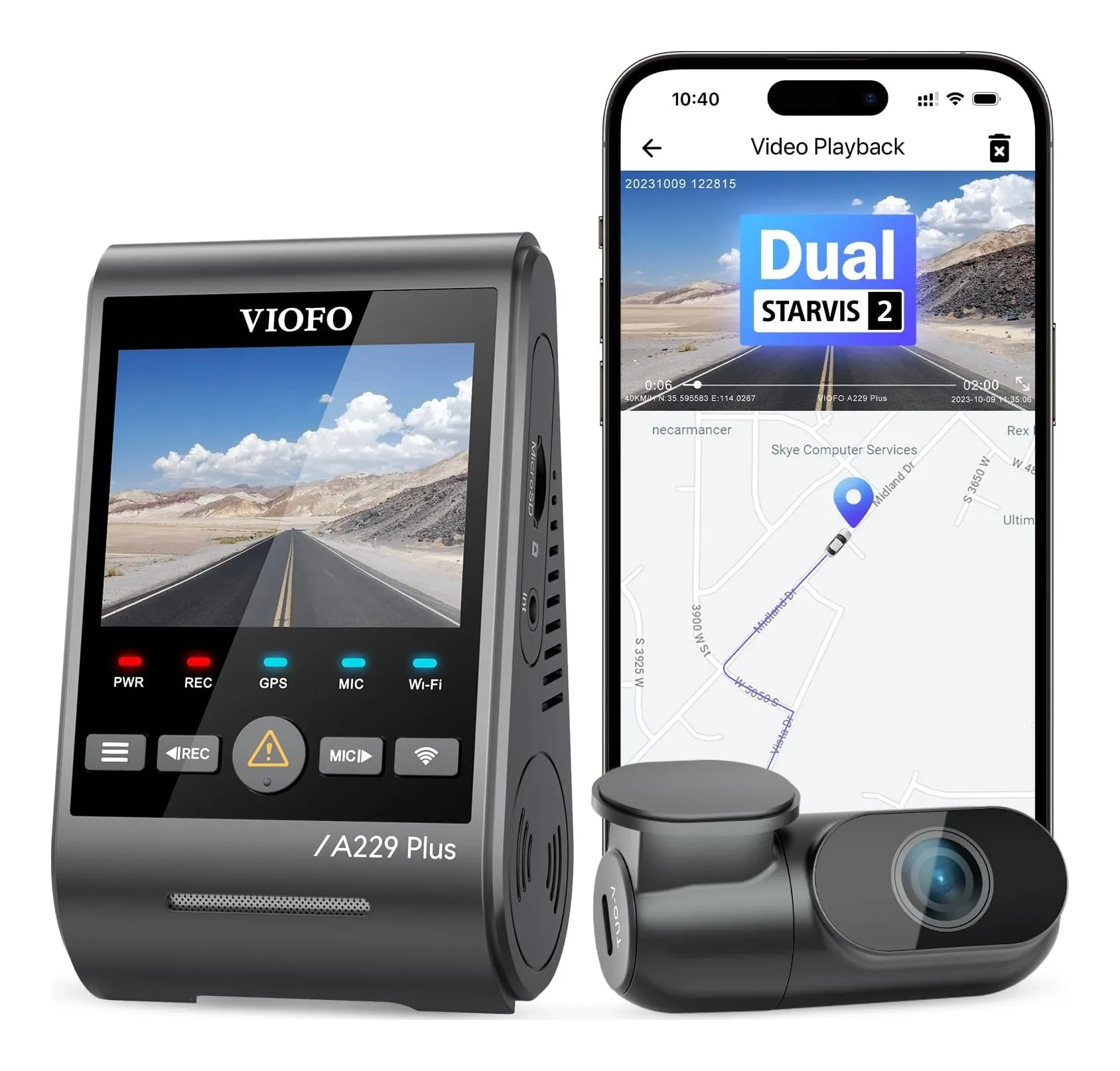
Anyone who wants speed and location on the footage, which is the X110 or a Viofo; anyone who wants a rear camera in one box, which is the Viofo A229 Plus or a Nextbase bundle; and anyone who wants parking cover without a subscription.
Sources
Facts checked 9 November 2026
- Garmin — Dash Cam Mini 3 product page and owner's manual — Manufacturer documentation, checked 23 October 2026
- Retail listing (Garmin) — Retailer listing, checked 23 October 2026
How do I see the footage without a screen?
Through the Garmin Drive app over Wi-Fi, which handles settings and clip downloads. The camera also saves to a microSD card you can read on a computer. There is nothing to look at on the camera itself, by design.
What does no GPS mean in practice?
The clip carries the date and time but not the position or speed. For most claims, a clear picture of the other car and the time is enough. If you want the footage to show where you were and how fast you were going, Garmin's X110 adds GPS and Galileo in a slightly larger body.
Can I add a rear camera?
Not as a module. Garmin's answer is a second Mini 3 fitted to the rear window and paired in the app, so the footage of both is managed together. It is two cameras, each needing its own power.
Will it survive a hot car?
Garmin uses a supercapacitor rather than a battery and rates the camera from −20 to 60 °C. Supercapacitors cope with heat better than lithium batteries, which is why the Viofo and 70mai cameras on our shortlist use them too.
Related reading
Shortlist · Car
Best dash cams: six front and front-and-rear cameras compared on resolution, GPS, screen and parking mode
A dash cam is insurance evidence. What makes it useful is whether a plate can be read, which is resolution, frame rate and the sensor at night; whether speed and location are stamped on it, which is GPS; whether it records when parked; and whether the back of the car is covered. Six cameras from Nextbase, Garmin, Viofo and 70mai, from a 1080p pocket camera to 4K front and rear.
Review · Car
Garmin Dash Cam X110 review: GPS and a screen in 62 grams, and what the subscription is for
Garmin's small camera with a display: 1080p HDR through a 140-degree lens, GPS and Galileo so speed and position are on every clip, a 2.4-inch screen for roadside checks, voice control and driver alerts, in 62 grams. This review is about what the GPS buys, what the alerts do, why the battery is a backup not a feature, and what Garmin's Vault subscription is for.
Guide · Car
Dash cams explained: resolution and frame rate, field of view, sensors at night, parking mode and the UK rules
Dash cams are sold on a pixel count, and the pixel count is the least reliable predictor of whether a plate will be readable in the clip you hand to your insurer. This guide explains what resolution and frame rate buy, why field of view is a trade, what the sensor does at night, what GPS adds, what parking mode requires, and where a camera may legally sit on a UK windscreen.