Guide · Car · 4 models
Dash cams explained: resolution and frame rate, field of view, sensors at night, parking mode and the UK rules
Dash cams are sold on a pixel count, and the pixel count is the least reliable predictor of whether a plate will be readable in the clip you hand to your insurer. This guide explains what resolution and frame rate buy, why field of view is a trade, what the sensor does at night, what GPS adds, what parking mode requires, and where a camera may legally sit on a UK windscreen.
The clip you will actually need
A dash cam earns its place once: in the thirty seconds around a collision or a near miss. What you need from that clip is a plate you can read, the time, the place and your speed, and a steady picture of the few seconds before. Every specification on the box matters only as far as it serves those. Resolution is one of five things that decide whether the plate is readable, and not the most important at night.
Resolution and frame rate
Resolution is how many pixels cover the scene: 1080p is about two million, 1440p nearly four, 4K eight. More pixels make a distant plate bigger in the frame, which is what you want for a car two lanes over in daylight. Frame rate is how many pictures a second: 30 is standard, 60 halves motion blur on a plate crossing the frame, 120 lets you step through a fast event.
The two trade against each other on a fixed budget of processing and card space, and the makers choose differently.
1440p at 60 fps on a Sony STARVIS 2 sensor: the night-reading example
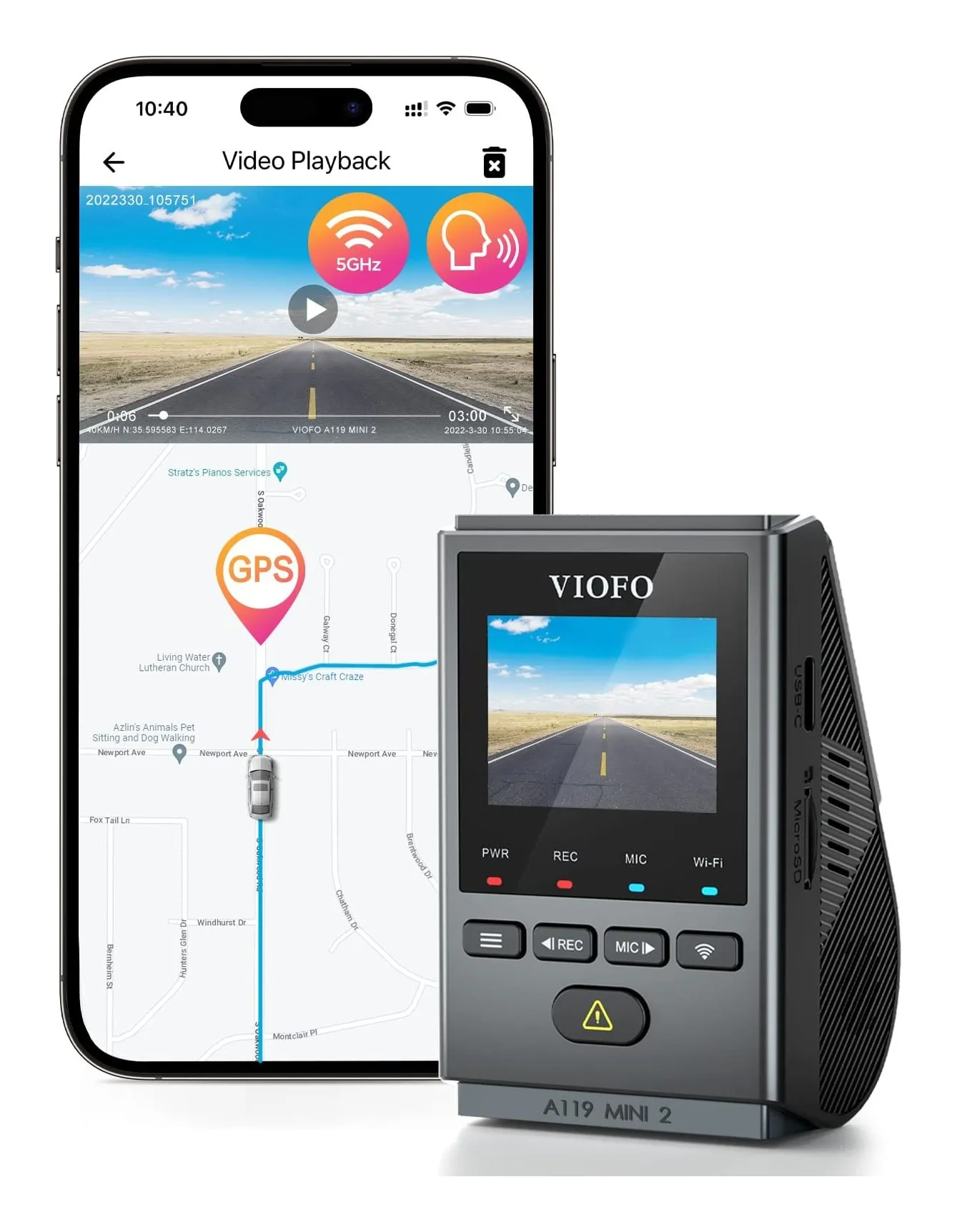
Viofo A119 Mini 2
- Front resolution
- 1440p
- Recording
- 1440p at 60 fps, HDR (2.7K at 30)
- Field of view
- 140°, f/1.6
- Screen
- 1.5 in
- GPS
- Yes, built in
- Parking mode
- With optional HK4 hardwire kit
Check price on Amazon
Viofo spends the budget on 1440p at 60 frames: fewer pixels than 4K, twice the frames, and a sensor built for low light. For reading a plate at night at an urban speed, this is the better combination.
Strengths
- 1440p at 60 fps and HDR for the price of 1080p cameras
- GPS and 5 GHz Wi-Fi built in
- Supercapacitor for a hot windscreen
Limitations
- 1.5-inch screen is for menus, not review
- Parking mode needs the hardwire kit
- No rear option
Good for
- a front-only camera for someone who cares about night footage
Look elsewhere if
- a driver who wants rear cover or a touchscreen
4K at 30 or 1080p at 120, with stabilisation and a polariser
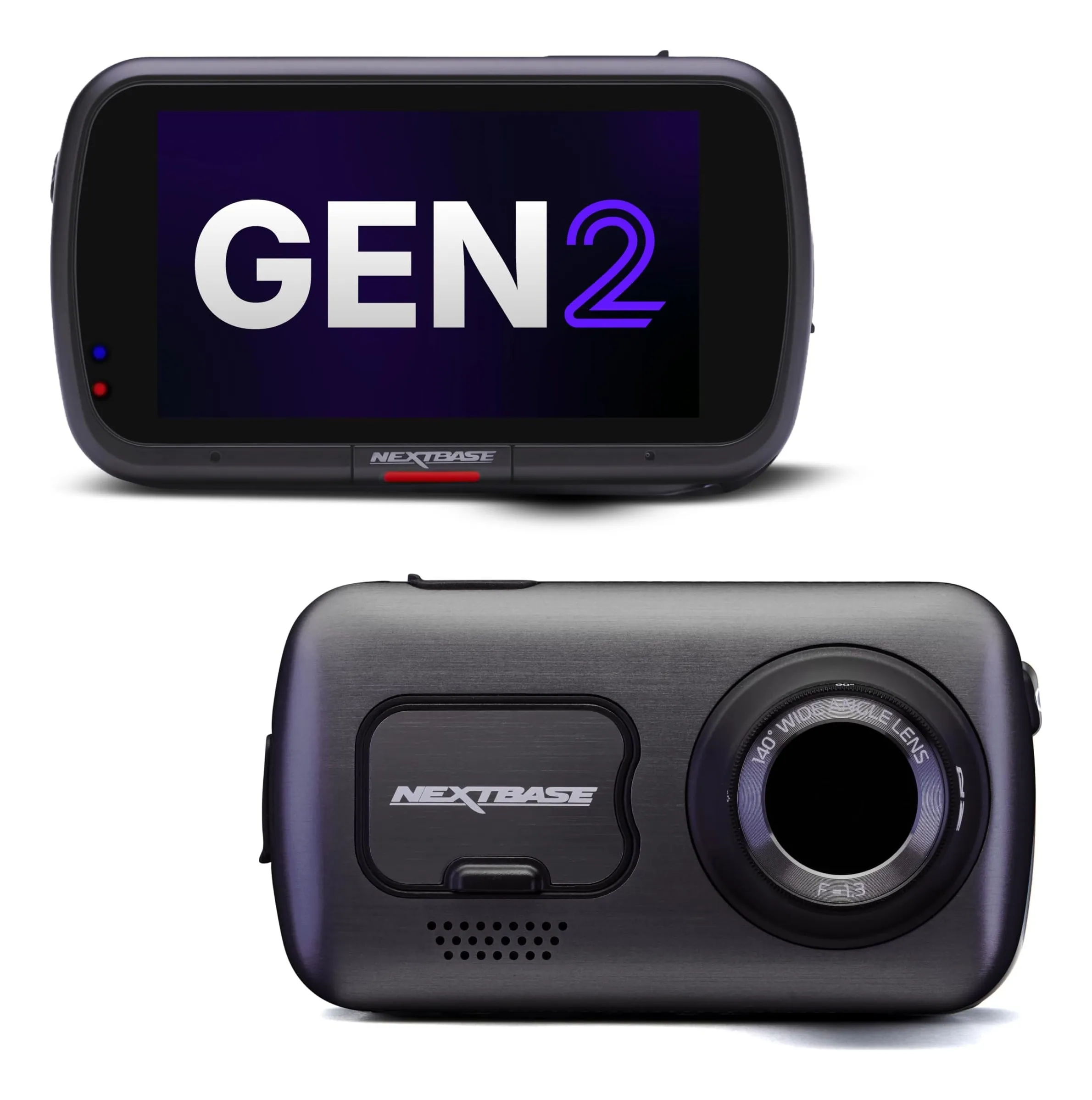
Nextbase 622GW
- Front resolution
- 4K
- Recording
- 4K at 30 fps; 1440p at 60; 1080p at 120
- Field of view
- 140°, f/1.3
- Screen
- 3 in IPS touchscreen
- GPS
- 10 Hz, with what3words
- Parking mode
- Intelligent Parking Mode (hardwire kit for continuous)
Check price on Amazon
Nextbase offers the choice: 4K at 30 for daylight detail, or 1080p at 120 to slow a moment down, with digital stabilisation at 2K and a built-in polariser against dashboard reflections.
Strengths
- 4K, stabilisation and a polariser: the best footage here
- what3words and Emergency SOS, which matter on a rural A-road
- Touchscreen and rear module that clicks in without a cable to the back
Limitations
- The dearest here before you add the rear camera
- Stabilised mode drops to 2K
- 128 GB card limit by retailers
Good for
- a driver who wants the best evidence and will pay for it
Look elsewhere if
- a budget or a second car
4K that drops to 24/25 fps with the rear camera on
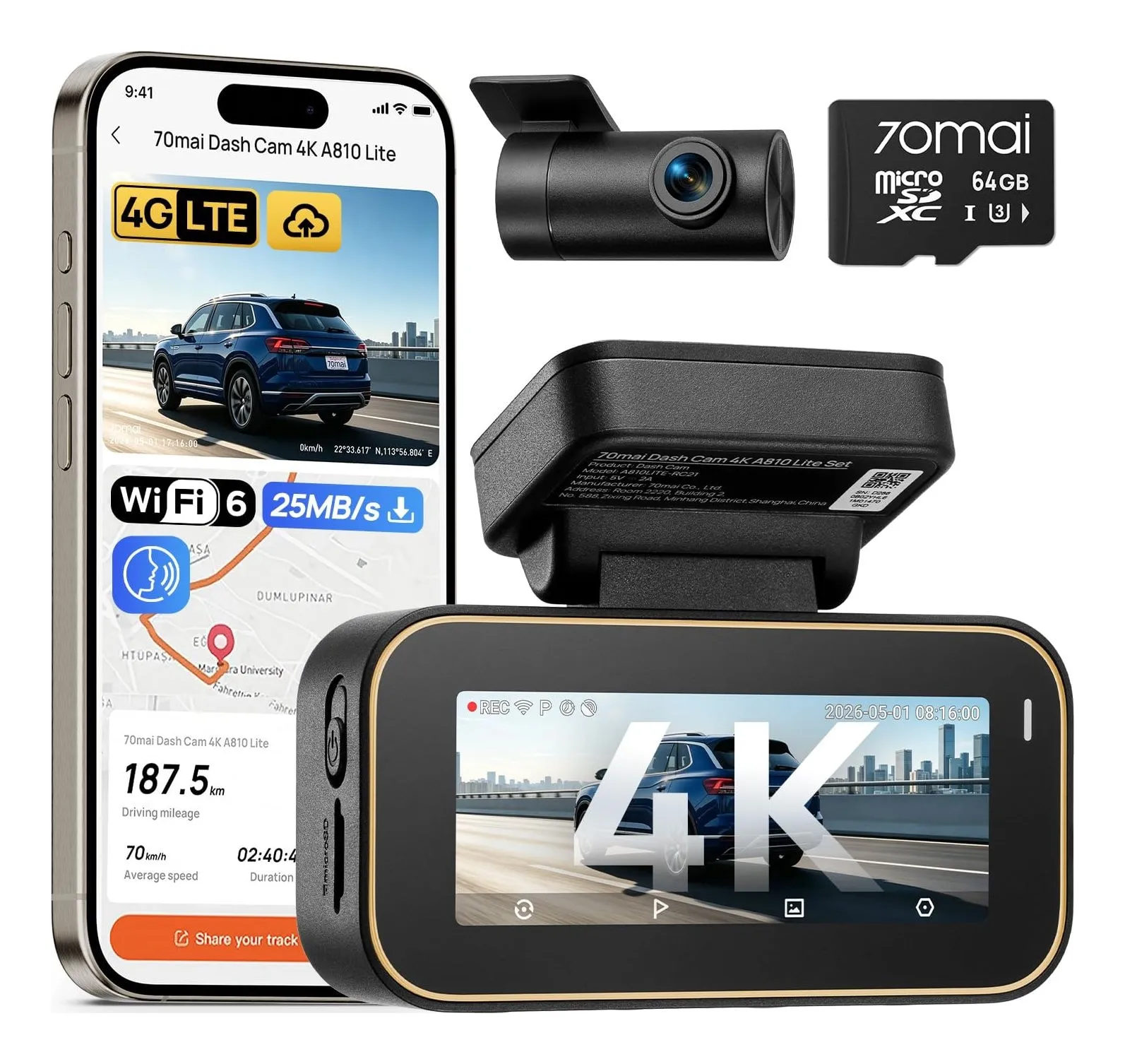
70mai A810 Lite (front and rear)
- Front resolution
- 4K
- Recording
- 4K at 30 fps front (24/25 fps with rear); 1080p rear
- Field of view
- 140° front (f/1.55); 130° rear
- Screen
- 3.18 in
- GPS
- Yes, built in
- Parking mode
- Time-lapse and collision detection (hardwire kit separate)
Check price on Amazon
70mai states the trade that most listings hide: 4K at 30 frames alone, falling to 24 or 25 frames when the rear camera is recording too. Fine for a motorway, less so for a plate crossing a junction.
The rule: in daylight, 1440p is enough and 4K is a bonus; at night, frames and the sensor matter more than pixels.
Strengths
- 4K front plus a rear camera in the box
- GPS, a big screen and Wi-Fi 6
- Optional 4G for remote access
Limitations
- Dual recording cuts the front to 24/25 fps
- Hardwire kit for parking is separate
- A budget sensor compared with the Viofo's STARVIS 2
Good for
- someone who wants 4K and rear cover for the price of a 1080p Nextbase bundle
Look elsewhere if
- a driver who wants the smoothest high-frame-rate footage
Field of view
The lens angle, 130 to 160 degrees on cameras here. Wider sees more of a junction and the pavement, and makes every object smaller, so a plate at the same distance has fewer pixels on it. Narrower reads plates further away and misses a car coming from the side. Around 140 degrees is where the makers have settled for a front camera, which is why five of the six cameras on our shortlist use it; the Viofo’s 160-degree rear lens is wider because a rear camera’s job is to see what is alongside as well as behind.
The sensor at night
Night is where cheap cameras fail. Headlights blow out the plate they illuminate, and everything else is noise. Two things help. A larger, newer sensor with better low-light sensitivity, which is what Sony’s STARVIS 2 line is and why the two Viofos here are built around it; and HDR, which combines a bright and a dark exposure so the lit plate and the dark car both register. Garmin’s Clarity HDR, Viofo’s dual-exposure HDR and 70mai’s HDR night vision are the makers’ names for the second. A fast lens, f/1.3 to f/1.8 on the cameras here, is the third.
GPS, and what the clip carries
GPS stamps every clip with position and speed and lets the app plot the route. For evidence it is the difference between a picture and a record: where, when, how fast. Every camera on our shortlist records it; Garmin’s screenless Mini 3, which we left off the list, does not. Nextbase’s 10 Hz GPS updates ten times a second; Garmin’s X110 adds Galileo.
1080p HDR with GPS and Galileo in a 62 g body
Garmin Dash Cam X110
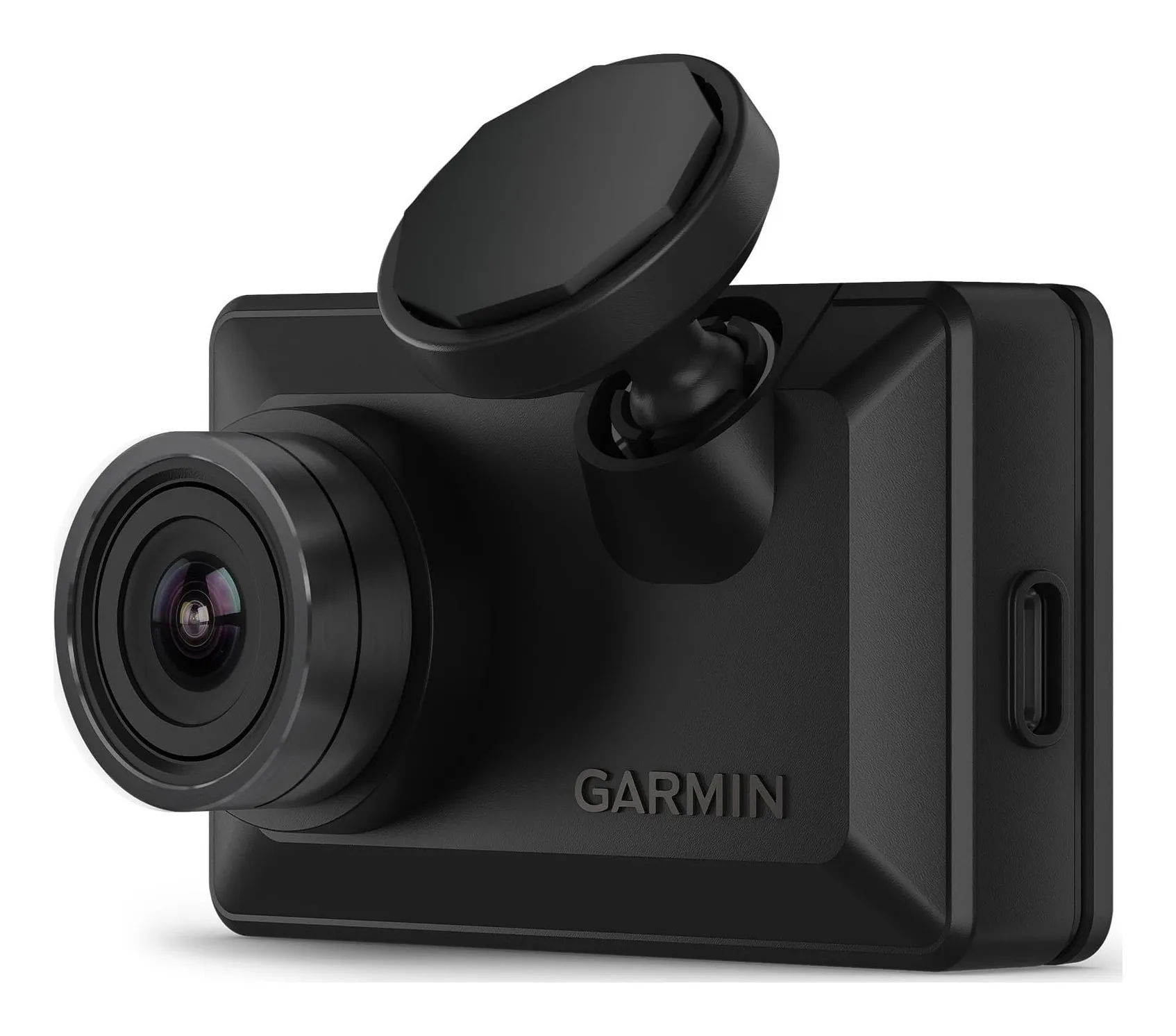
- Front resolution
- 1080p
- Recording
- 1080p at 30 fps, HDR
- Field of view
- 140°
- Screen
- 2.4 in LCD
- GPS
- Yes, GPS and Galileo
- Parking mode
- Parking Guard with constant power cable, Wi-Fi and Vault subscription
Check price on Amazon
A 62-gram camera with GPS and Galileo, HDR at 1080p, a 2.4-inch screen and driver alerts: the example of a small camera that still carries the location on the clip.
Strengths
- GPS on a camera this small
- Screen for reviewing without a phone
- Driver alerts, which the Nextbases at this price lack
Limitations
- 1080p only; no 1440p or 4K option
- Parking Guard needs the Vault subscription
- Battery is a 20-minute backup, not a feature
Good for
- a driver who wants GPS evidence in a camera that does not shout
Look elsewhere if
- anyone who wants a rear camera in the box
Power: supercapacitor or battery
A dash cam needs power to finish writing the last clip when the car is switched off. Lithium batteries do it, and die on a hot windscreen. A supercapacitor stores a few seconds of charge, does not mind 60 degrees, and lasts the life of the camera; it cannot run the camera without the car. The cameras here that state a supercapacitor are the two Viofos and the 70mai; Garmin’s X110 keeps a small battery rated for twenty minutes. If the car sits outside in summer, prefer the capacitor.
Parking mode and hardwiring
Every maker sells parking mode: recording when the car is parked, triggered by a bump from the G-sensor or by motion, ideally with a buffer so the seconds before the bump are kept. Every maker’s small print then says the same thing: the camera needs power with the ignition off, which the 12 V socket does not supply in most cars, so you need a hardwire kit to a fused circuit, fitted by you or a garage. Garmin adds a subscription to its Vault service for its Parking Guard alerts. Budget for the kit with the camera, and if the car lives on a street, buy the kit before you buy 4K.
The UK rules
Three apply to a private driver. The camera must not obstruct the driver’s view: mount it behind the mirror, in the wiper-swept area, out of the sightline; a camera low on the driver’s side can be an offence. Footage is admissible, and insurers and police will take it. And recording people: a forward-facing camera in a private car raises no data-protection duty, but a cabin camera, audio recording of passengers, or any use at work does, and a sticker telling people they are recorded is the minimum. Switch the microphone off unless you need it.
How to read a dash cam listing
- Resolution and frame rate together, including what happens with the rear camera on.
- Sensor and HDR. A named sensor is a good sign; HDR is the night feature.
- GPS. Yes or no.
- Supercapacitor or battery.
- Parking mode, and the hardwire kit it needs.
Which spec, by situation
- City driving at night: 1440p at 60 fps on a low-light sensor with HDR, GPS.
- Motorway miles in daylight: 4K at 30 fps with a polariser.
- Car parked on a street: any of the above, plus the hardwire kit and buffered parking mode.
- Nothing on show: a screenless 1080p HDR camera behind the mirror, accepting no GPS.
Sources
Facts checked 23 October 2026
- Viofo — A119 Mini 2 product page — Manufacturer documentation, checked 23 October 2026
- Amazon listing (VIOFO) — Retailer listing, checked 23 October 2026
- Nextbase — 622GW product page — Manufacturer documentation, checked 23 October 2026
- Amazon listing (Nextbase) — Retailer listing, checked 23 October 2026
- 70mai — Dash Cam 4K A810 Lite product page — Manufacturer documentation, checked 23 October 2026
- Amazon listing (70mai) — Retailer listing, checked 23 October 2026
- Garmin — Dash Cam X110 product page and owner's manual specifications — Manufacturer documentation, checked 23 October 2026
- Amazon listing (Garmin) — Retailer listing, checked 23 October 2026
Is dash cam footage accepted by UK insurers and police?
Yes. Insurers accept it as evidence in a claim and many ask for it; police forces take it through online portals for dangerous driving reports. What makes it useful is a readable plate, a time stamp and a location, which is why GPS matters more than 4K.
Where can I mount it?
Where it does not obstruct the driver's view of the road. The usual place is behind the rear-view mirror, within the area swept by the wipers so it sees through clean glass, and outside the driver's direct sightline. A camera in the middle of the driver's side of the screen can be an offence.
Do I have to tell passengers I am recording?
In a private car with a forward-facing camera, no. If you drive for work, carry paying passengers or run a cabin-facing camera that records people, UK data-protection rules apply and you should tell them, usually with a sticker. Audio recording of passengers is the part most people forget to switch off.
Why did my old dash cam die in a heatwave?
Because it had a lithium battery. A windscreen in July can pass 60 °C and lithium cells swell and fail. Cameras built around a supercapacitor, which stores just enough charge to save the last clip, survive it; the Viofos and 70mai here use one. Garmin's X110 keeps a small battery and rates itself to 60 °C.
Related reading
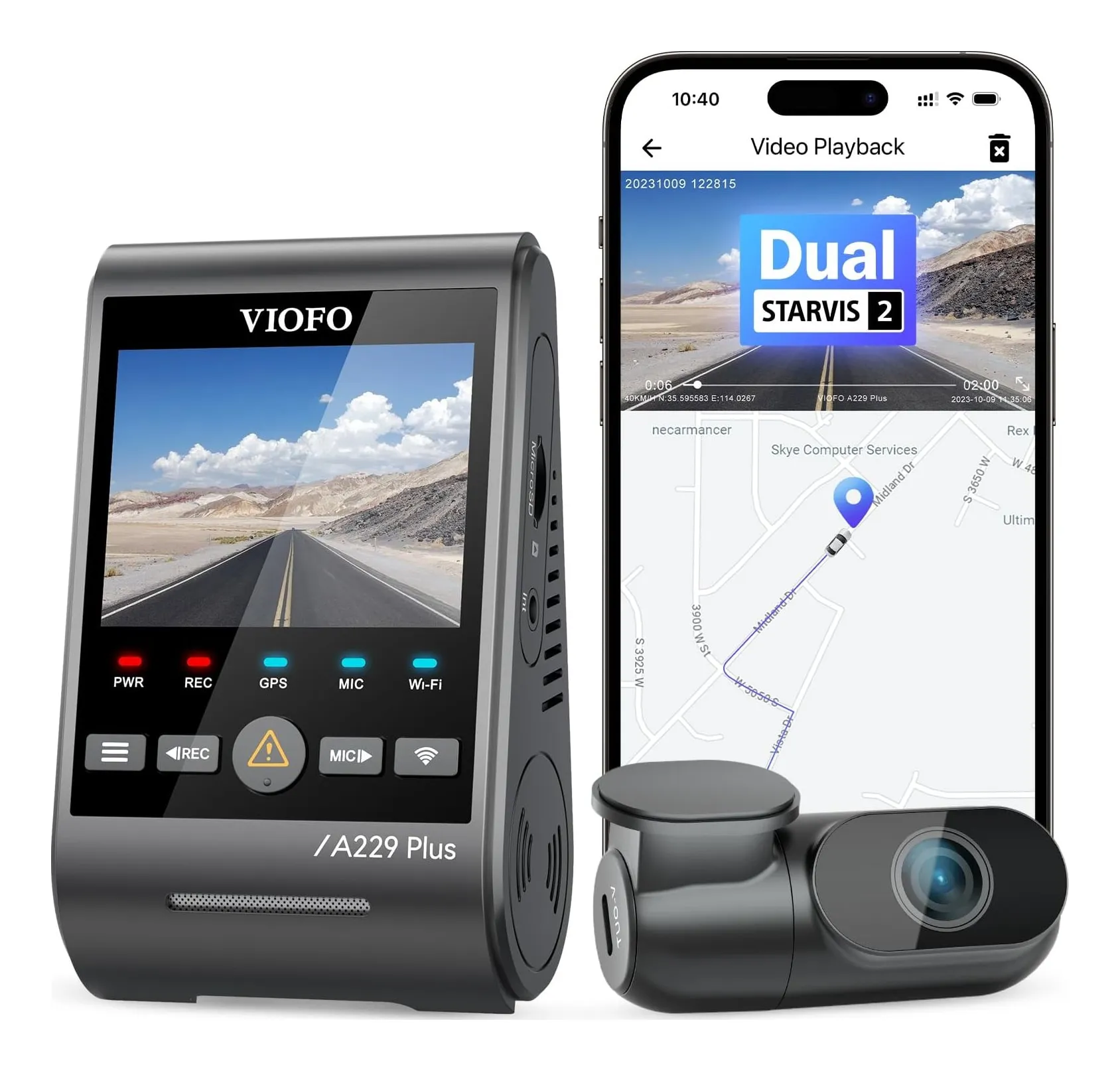
Shortlist · Car
Best dash cams: six front and front-and-rear cameras compared on resolution, GPS, screen and parking mode
A dash cam is insurance evidence. What makes it useful is whether a plate can be read, which is resolution, frame rate and the sensor at night; whether speed and location are stamped on it, which is GPS; whether it records when parked; and whether the back of the car is covered. Six cameras from Nextbase, Garmin, Viofo and 70mai, from a 1080p pocket camera to 4K front and rear.
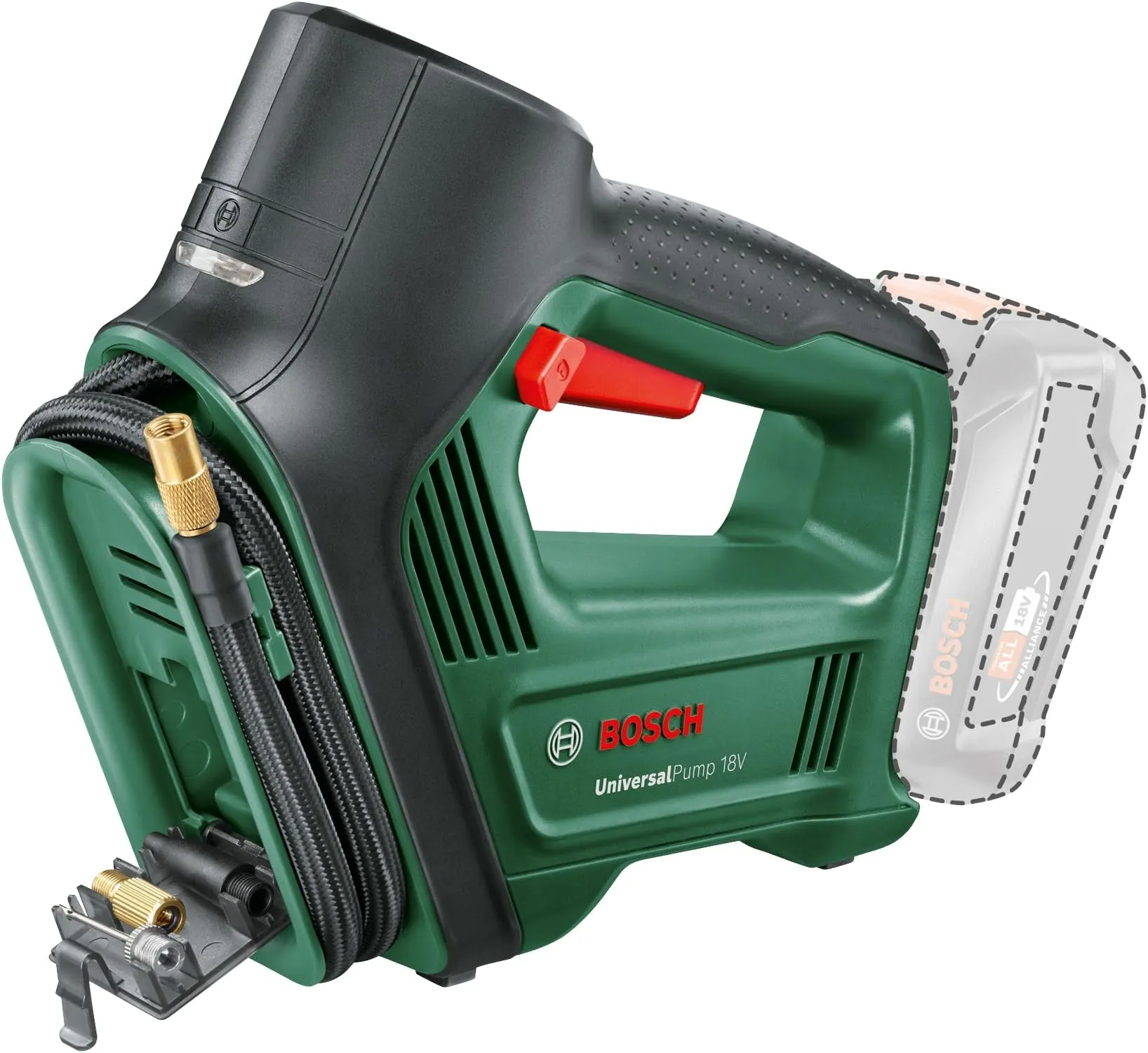
Shortlist · Car
Best tyre inflators: six 12 V and cordless pumps compared on pressure, speed, hose, power and weight
A tyre inflator turns a warning light into a two-minute job instead of a trip to a forecourt with a bag of coins. The figures that matter are how fast it moves air, whether it stops at the pressure you set, how far the cable and hose reach, whether it runs from the car's socket or its own battery, and whether it will do a bicycle. Six pumps from Ring, Bosch and Michelin, on the makers' figures.